MentraTrack gives supervisors real-time visibility into trainee hours, competencies, assessments, and documentation so supervision is intentional, ethical, and defensible.

Review trainee fieldwork with full visibility into how hours are calculated and categorized.

View session-level details, supervision type, and hour breakdowns
Accept or reject entries with clear reasoning
See how each decision impacts monthly compliance and totals
Export all trainee fieldwork data
Approvals are informed, fast, and traceable.
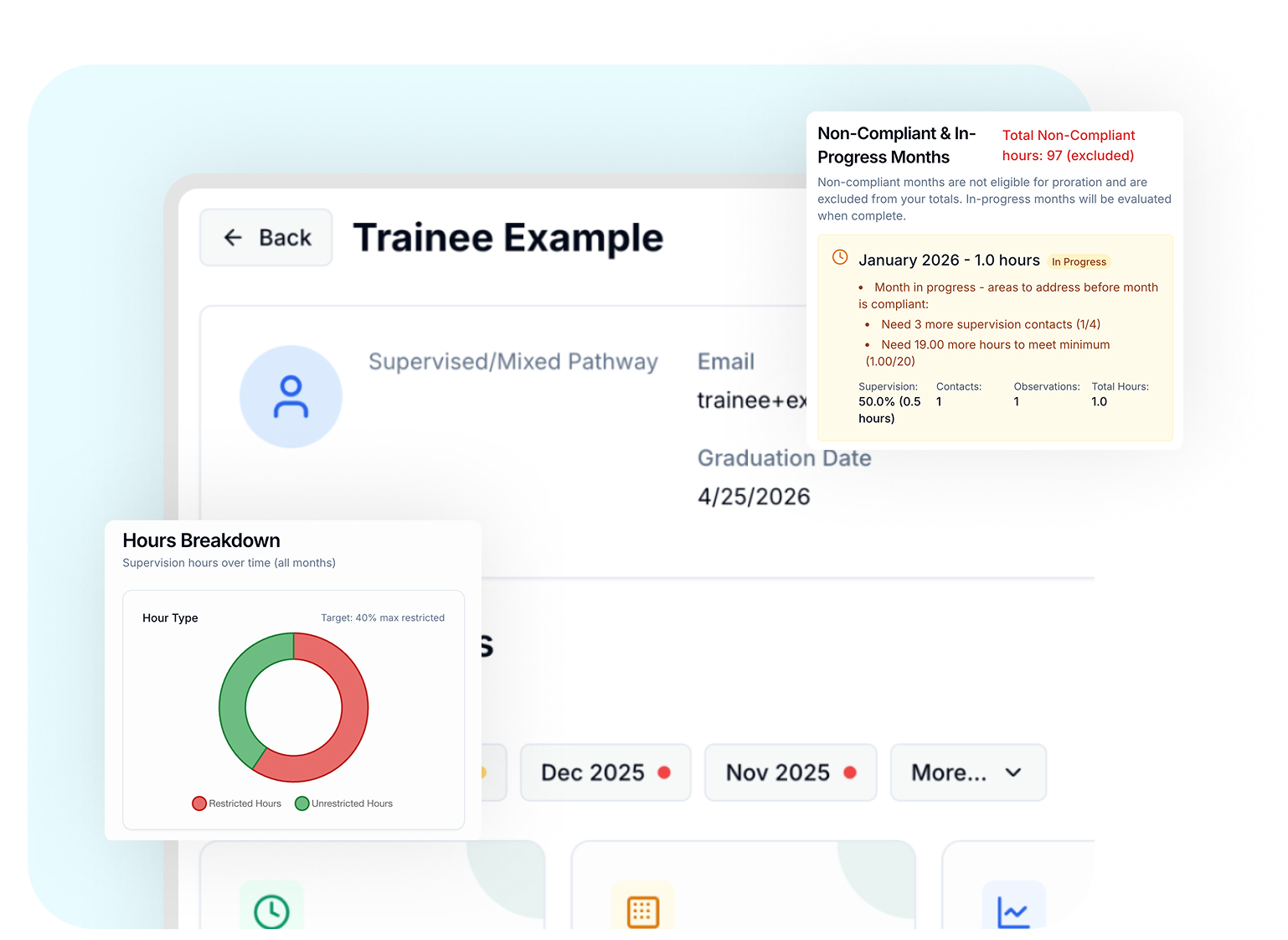
Access the same detailed fieldwork view as your trainees, with centralized visibility into hours, supervision, and compliance status across all trainees.
See estimated timelines to fieldwork completion for each trainee
View total hours, supervision percentages, and monthly compliance in real time
Instantly identify in-progress, prorated, or non-compliant months
Review trainee progress without switching dashboards or requesting updates
This shared view supports accurate oversight and timely supervision decisions, with clear insight into where each trainee stands at any point in time.
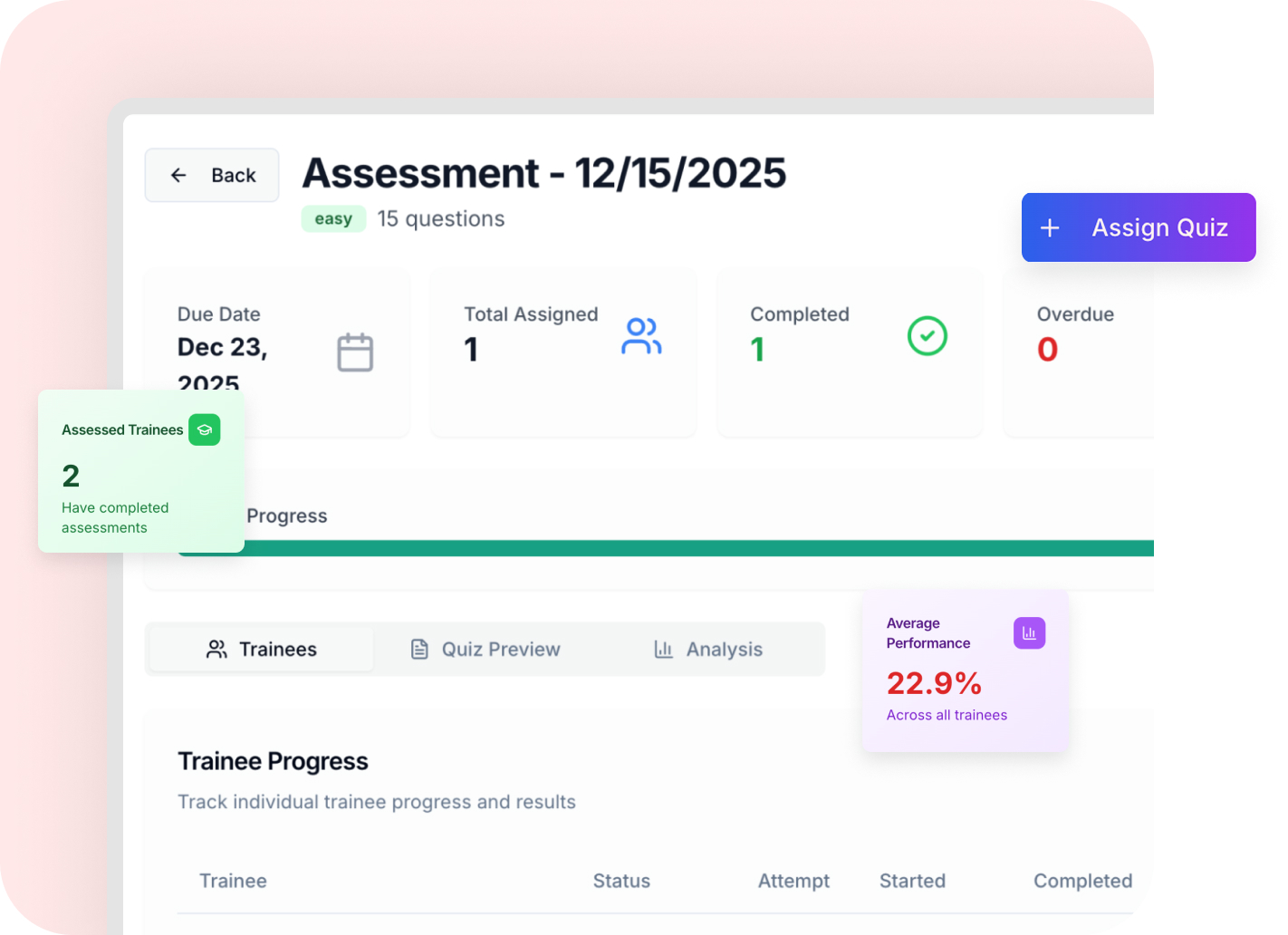
Assign assessments aligned to the BACB® 6th Edition Task List (TCO) and review results in one place.
Assign assessments by domain or competency
Review performance, strengths, and gaps
Use results to guide supervision focus and feedback
Assess through a 4 difficulty levels
Assessment data stays connected to real fieldwork and competency development.
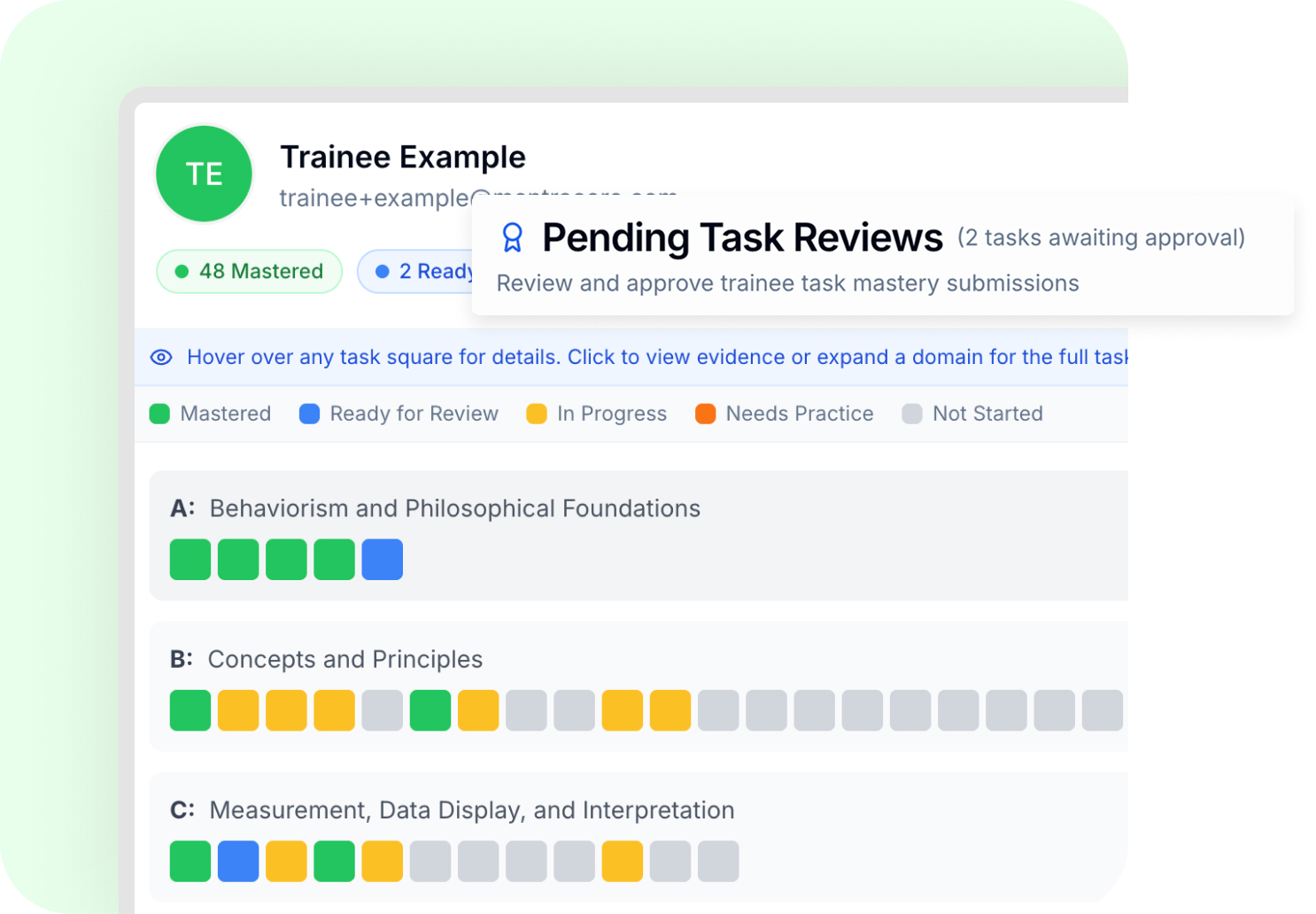
Oversee trainee competency development with clear evidence and structured review.
Review competency evidence tied to real fieldwork entries
Approve, reject, or mark competencies as mastered
Track progress across settings, clients, and examples
Provide feedback and master-out trainee's competencies
Competency decisions are documented, consistent, and defensible.
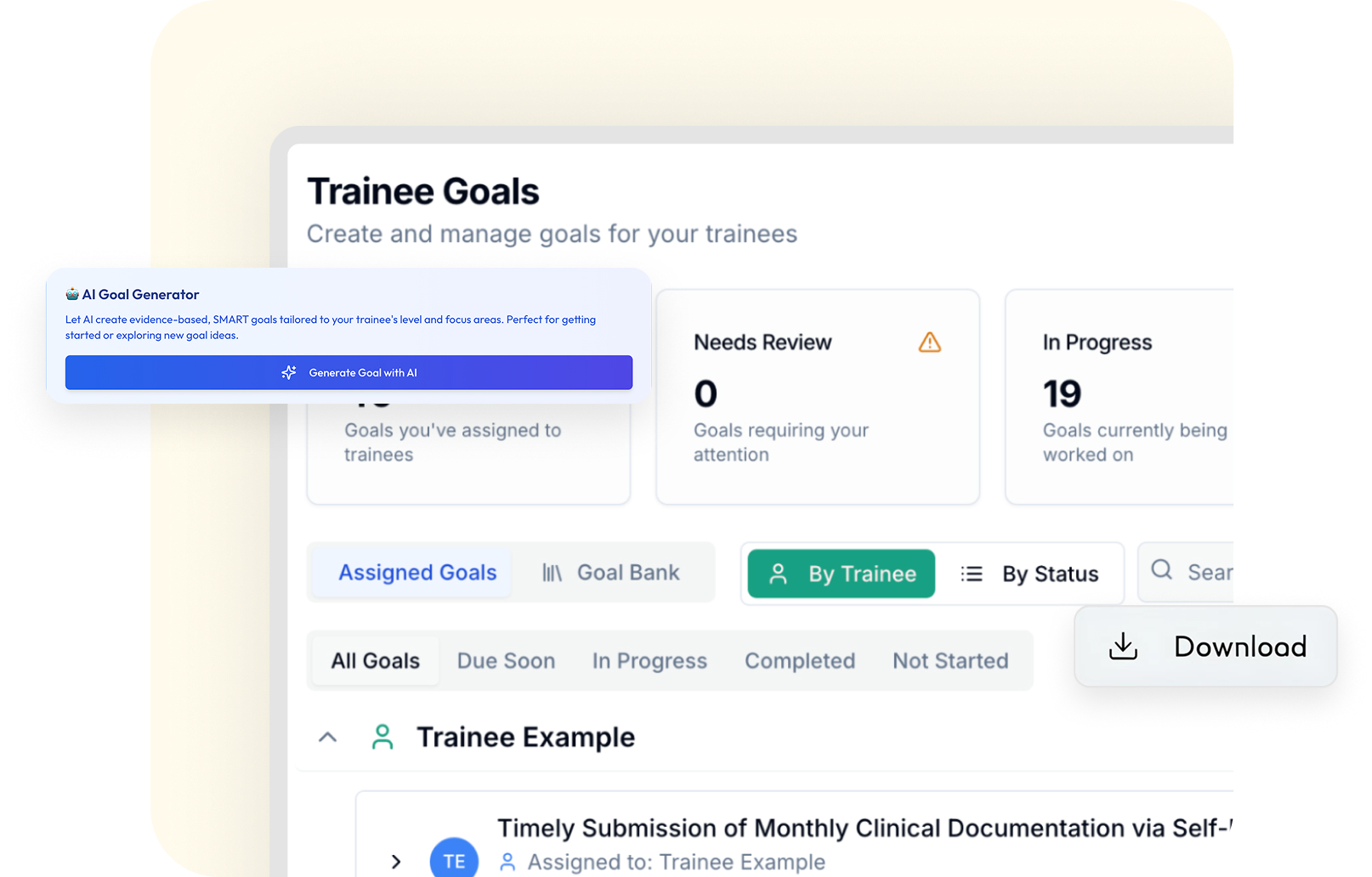
MentraTrack lets you supervise in a way that reflects your professional judgment.
Assign goals that are specific, measurable, and time-bound
Review evidence tied to each goal or competency
Track mastery across different contexts and clients
Document your decisions about competence and readiness
Your supervision notes and decisions live in a system that respects the complexity of your work.
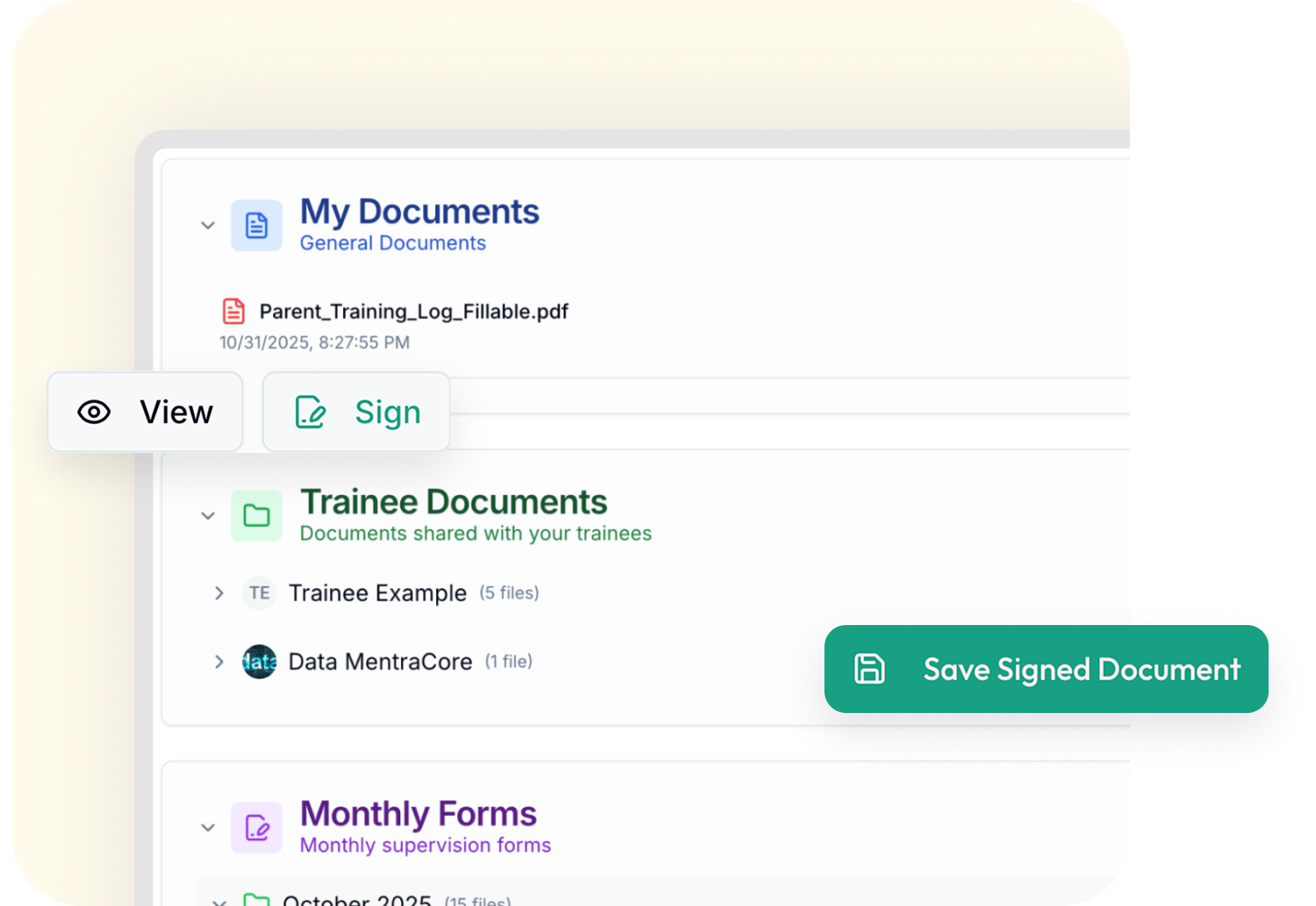
MentraTrack lets you supervise in a way that reflects your professional judgment.
Assign goals that are specific, measurable, and time-bound
Review evidence tied to each goal or competency
Track mastery across different contexts and clients
Document your decisions about competence and readiness
Your supervision notes and decisions live in a system that respects the complexity of your work.
.png)
.svg)

.svg)


.svg)





.svg)




Explore the supervisor view and approval workflow.
.svg)
Empowering the next generation of BCBAs with intelligent supervision tracking and competency development.
.svg)
.svg)
© 2026 MentraCore LLC. All rights reserved.
BCBA® is a registered trademark of the Behavior Analyst Certification Board®. MentraTrack is an independent platform and is not affiliated with or endorsed by the BACB®.
.svg)
